1. 마우스 이펙트 적용하기
http://www.mf2fm.com/rv/dhtmlbubblecursor.php
Underwater Bubble Cursor Javascript :: RV's free DHTML effects
STEP 1: Copy and paste the code below so that it sits between the and tags at the top of your web-page: // <
여기서 이것저것 눌러보고 마음에 드는 효과를 고른다
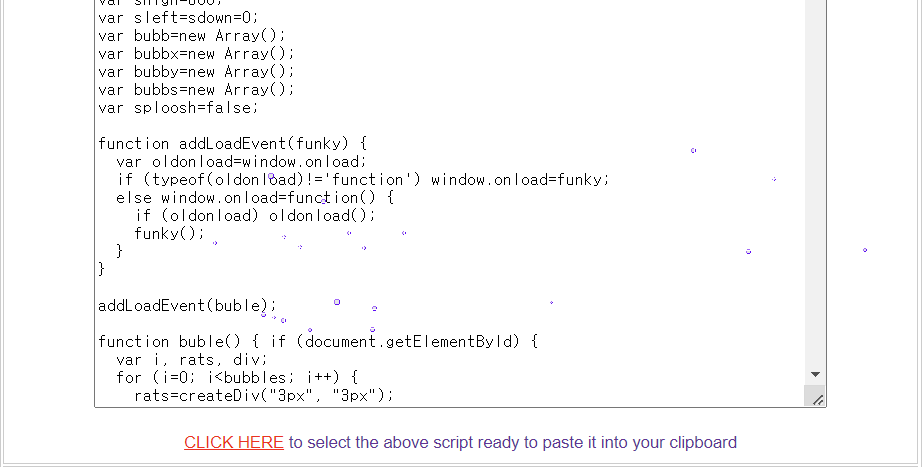
그리고 CLICK HERE를 눌러서 코드 복사!
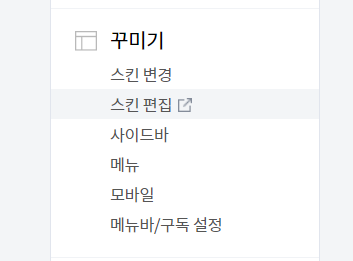
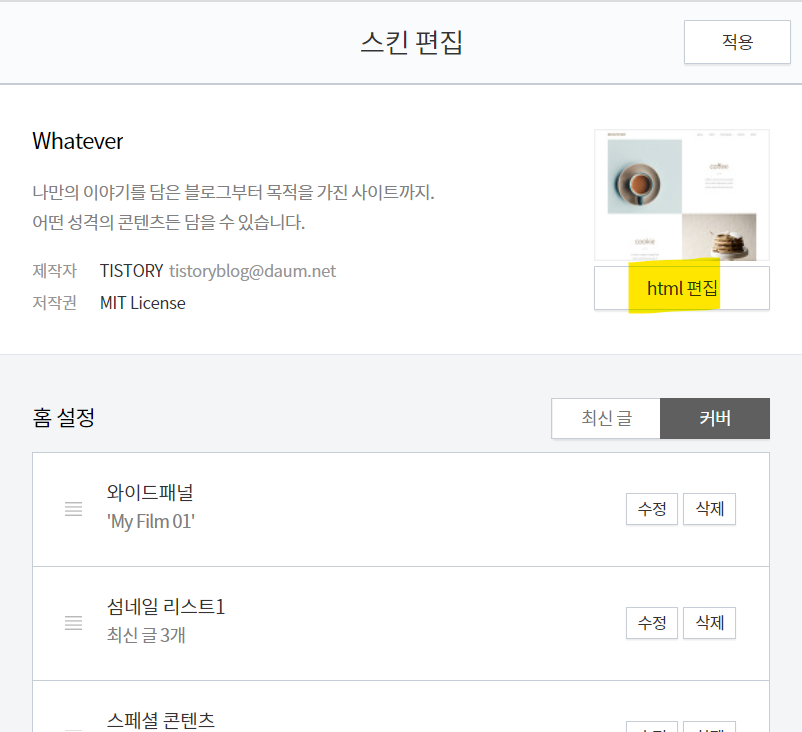
블로그 편집에 들어가서 스킨 편집을 눌러준다
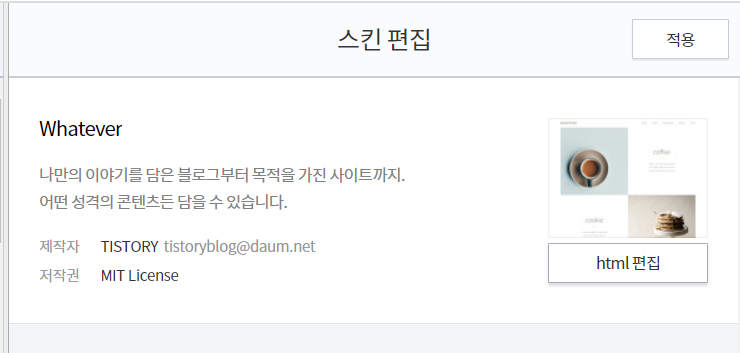
스킨 편집 페이지에서 html편집으로 들어간다
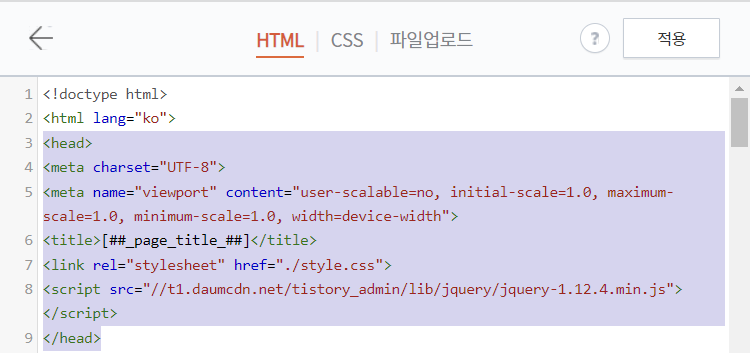
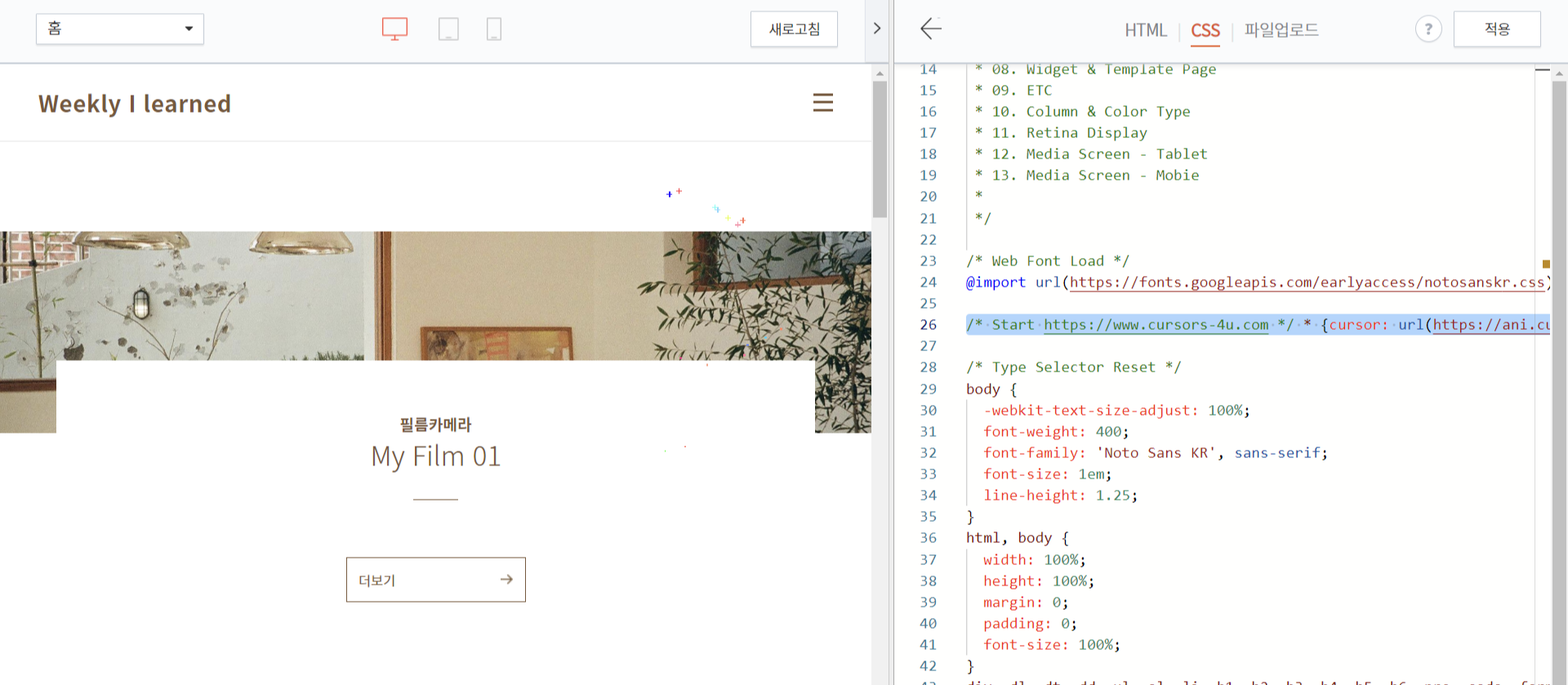
여기서 <head></head> 태그 사이에 복사한 걸 붙여넣으면 끝!!
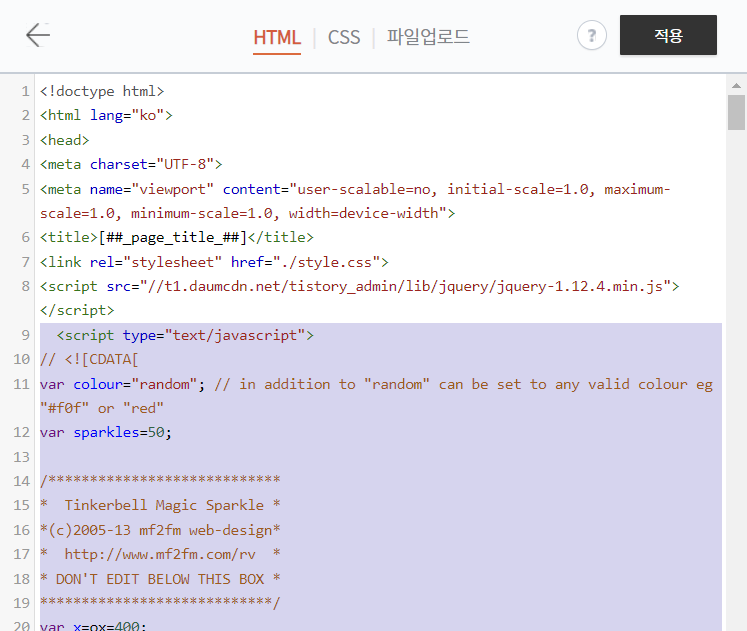
나는 제일 밑에 넣어줬다
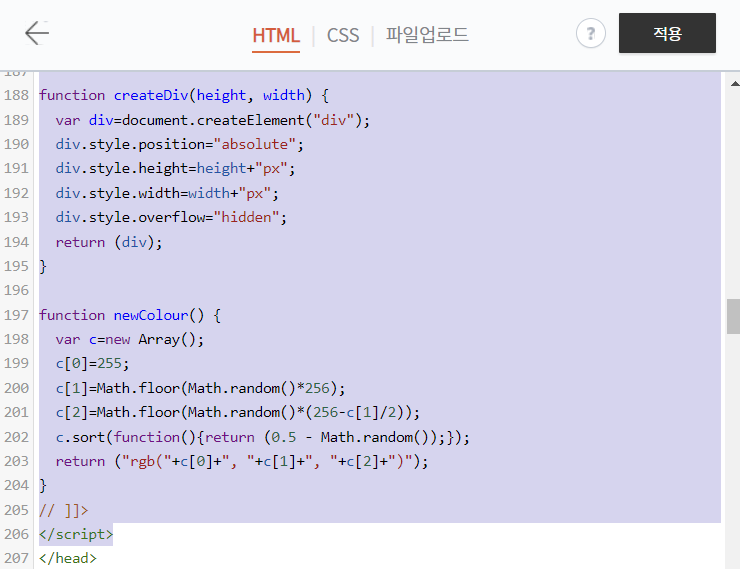
생각보다 엄청 길다...!!

이렇게 하면 적용 끝!
2. 마우스 커서 바꾸기
Free Cursor Downloads - Cursors-4U.com
Date: 4 Feb 2021, 21:35 By Tor With 3 Comments This month's favorite cursors is the "Sexy Red Lips". It's unknown who made the image. If you know who did it, send me an email so I can give proper credit. Also being February, check out some Valentine's Day
www.cursors-4u.com
여기에 들어가서 마음에 드는 커서를 고른다 !!
종류가 엄청 많은데 디즈니도 있고 귀여운 게 엄청 많다
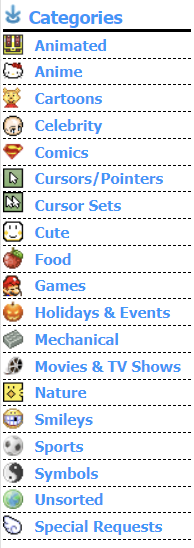
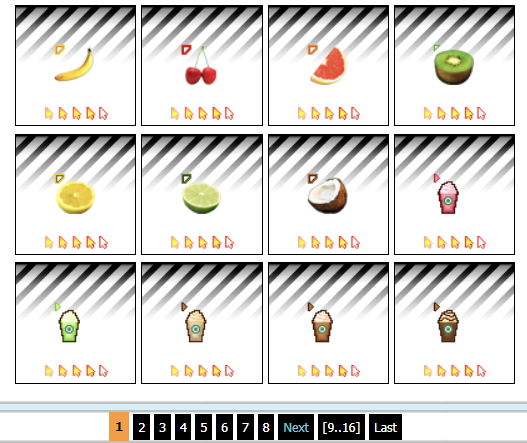
마음에 드는 커서를 눌러 들어가면 CSS 코드가 있다
Option #2라고 되어있는 곳을 복사한다!!

티스토리 스킨 편집에서 html 편집으로 들어가 CSS 위쪽에 아무데나 붙여넣기 하면 끝!
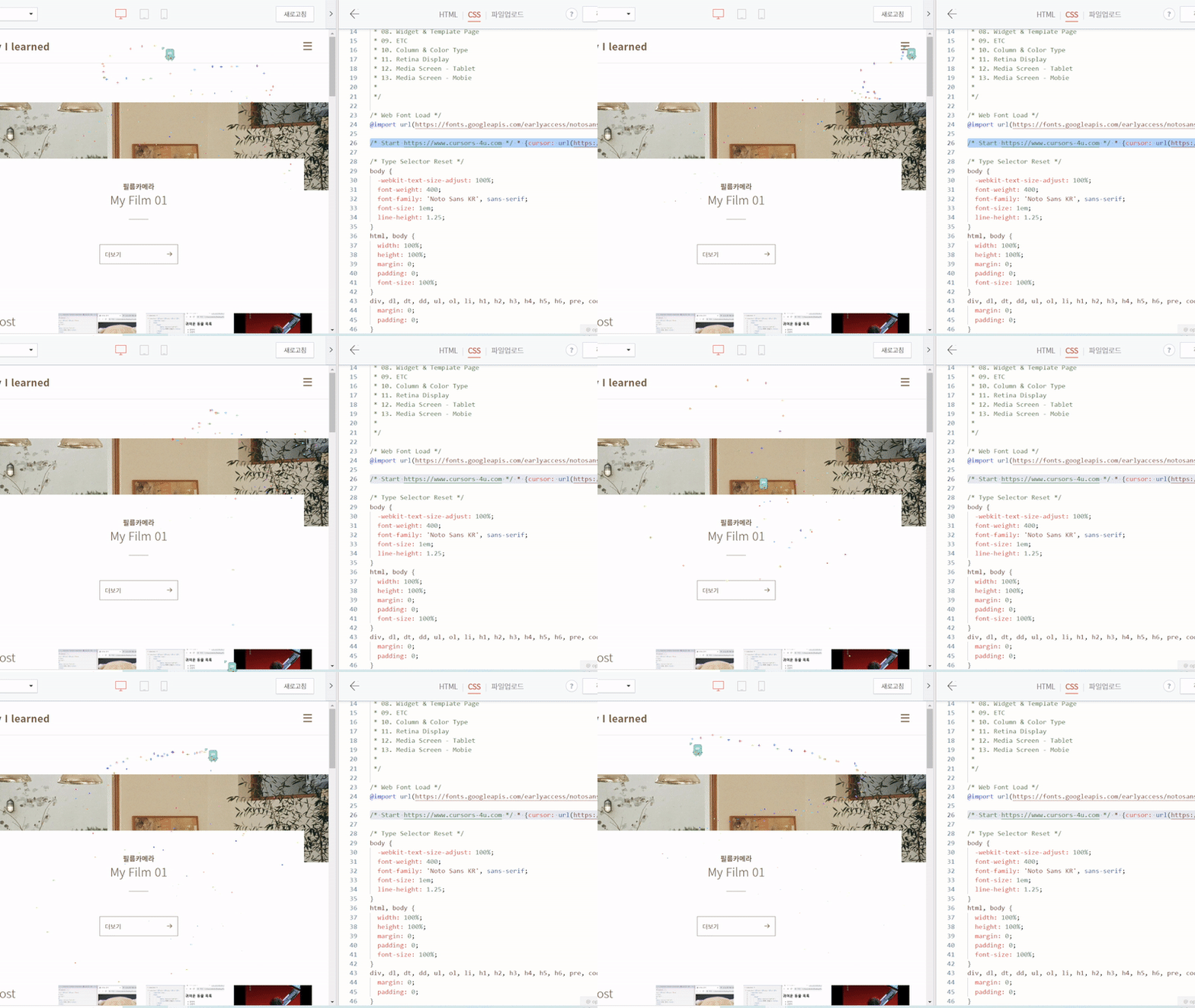
👇완성본
'Study > etc' 카테고리의 다른 글
| 삼성 노트북에 아이패드 듀얼 모니터로 사용하기!! / splashtop 실행 안되는 이유 (0) | 2022.06.18 |
|---|---|
| GitHub 업로드 하기 (2) | 2022.05.18 |
| npm 오류 해결 방법 / AppData 폴더 확인하기 (0) | 2022.04.26 |
| Visual Studio Code 설치 및 사용하기 (0) | 2022.04.25 |
| React? React Native? Node.JS? (0) | 2022.04.25 |


